
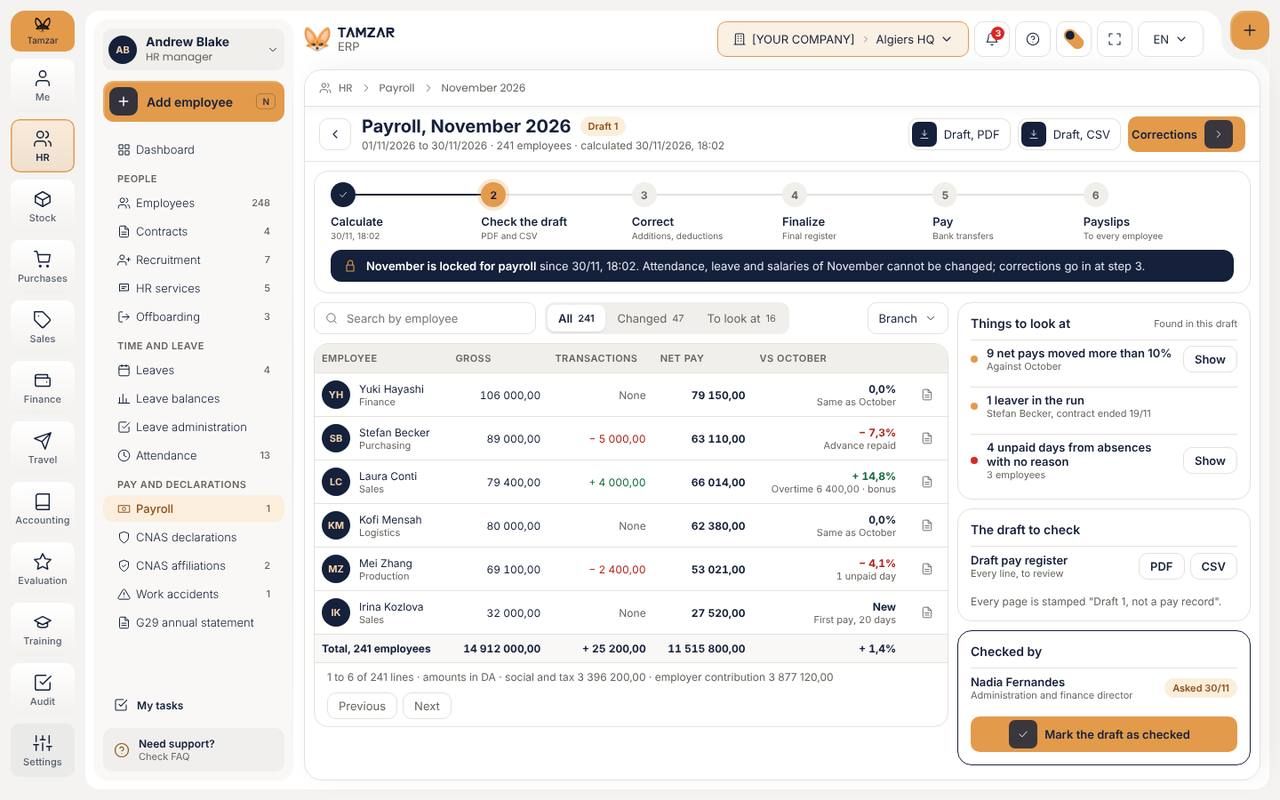
Payroll that closes on time
Lock the month and Tamzar carries it through: attendance, leave, advances and each country's rules are already in the run.
- Six steps, each one signed off
- Corrections before anything is paid
- Payslips land on every phone
Tamzar runs HR, payroll, sales, purchases, stock, finance and accounting for every branch, from one screen and in one rhythm.
English, French and Arabic. Keeps selling offline.
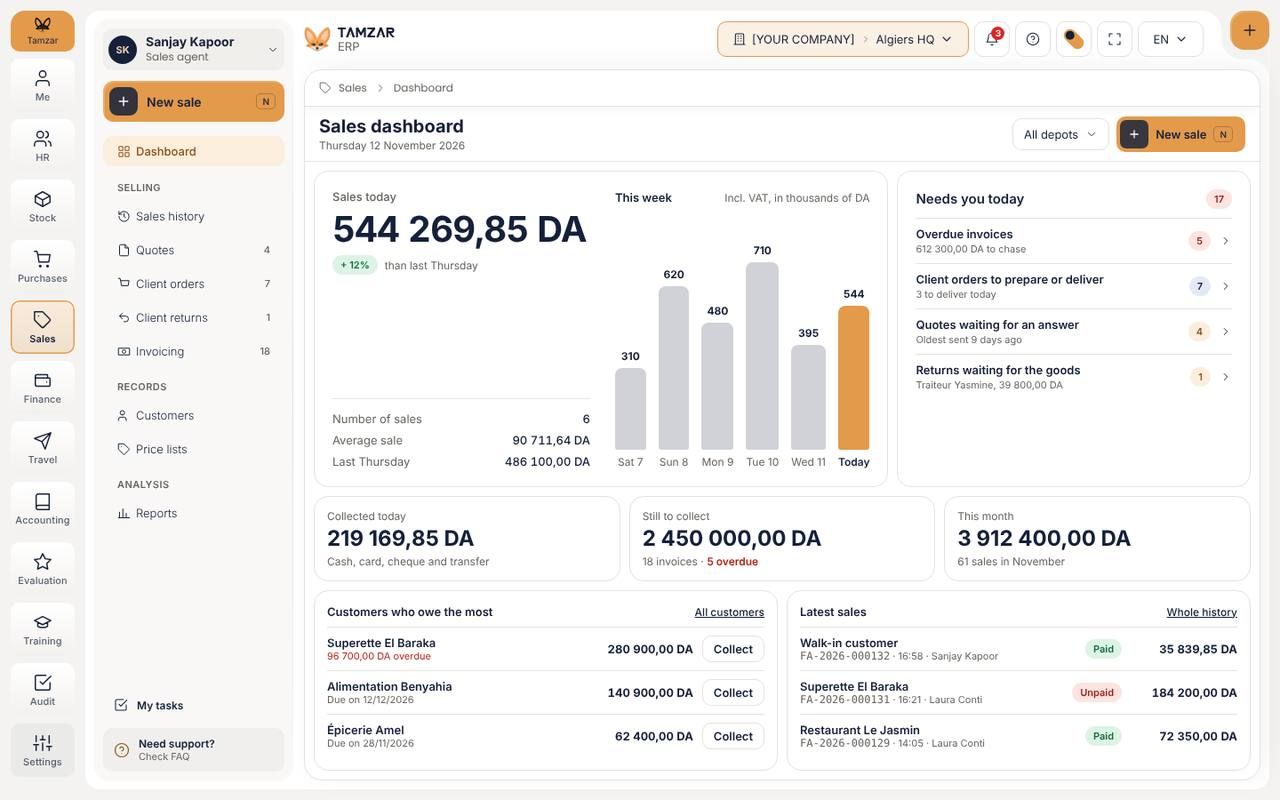
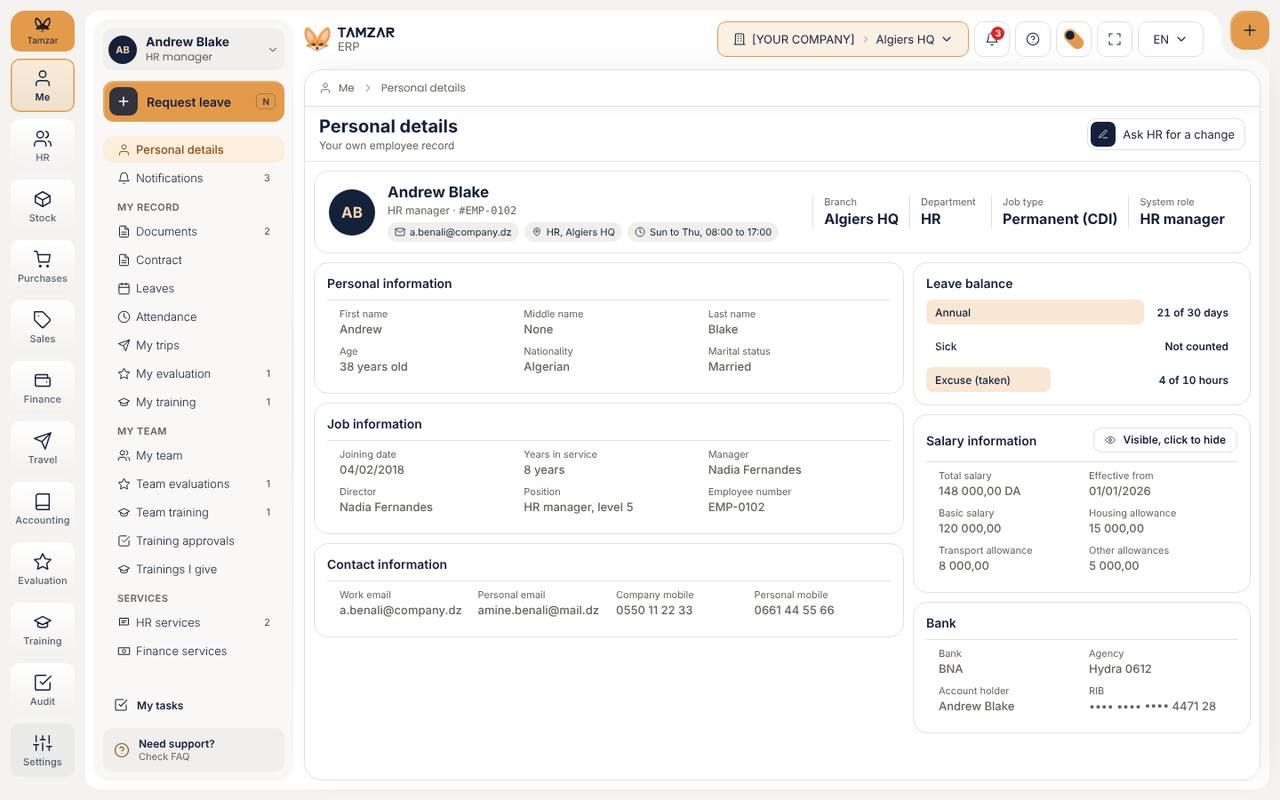
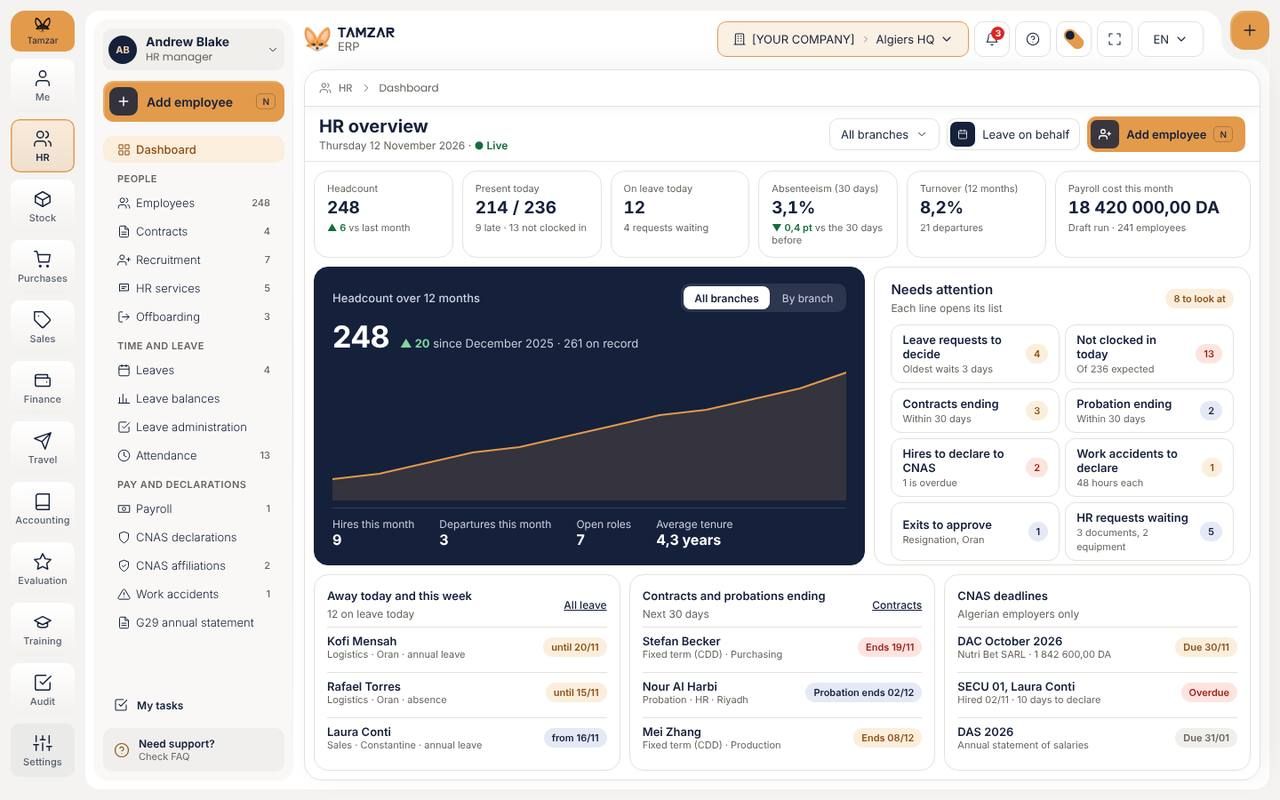
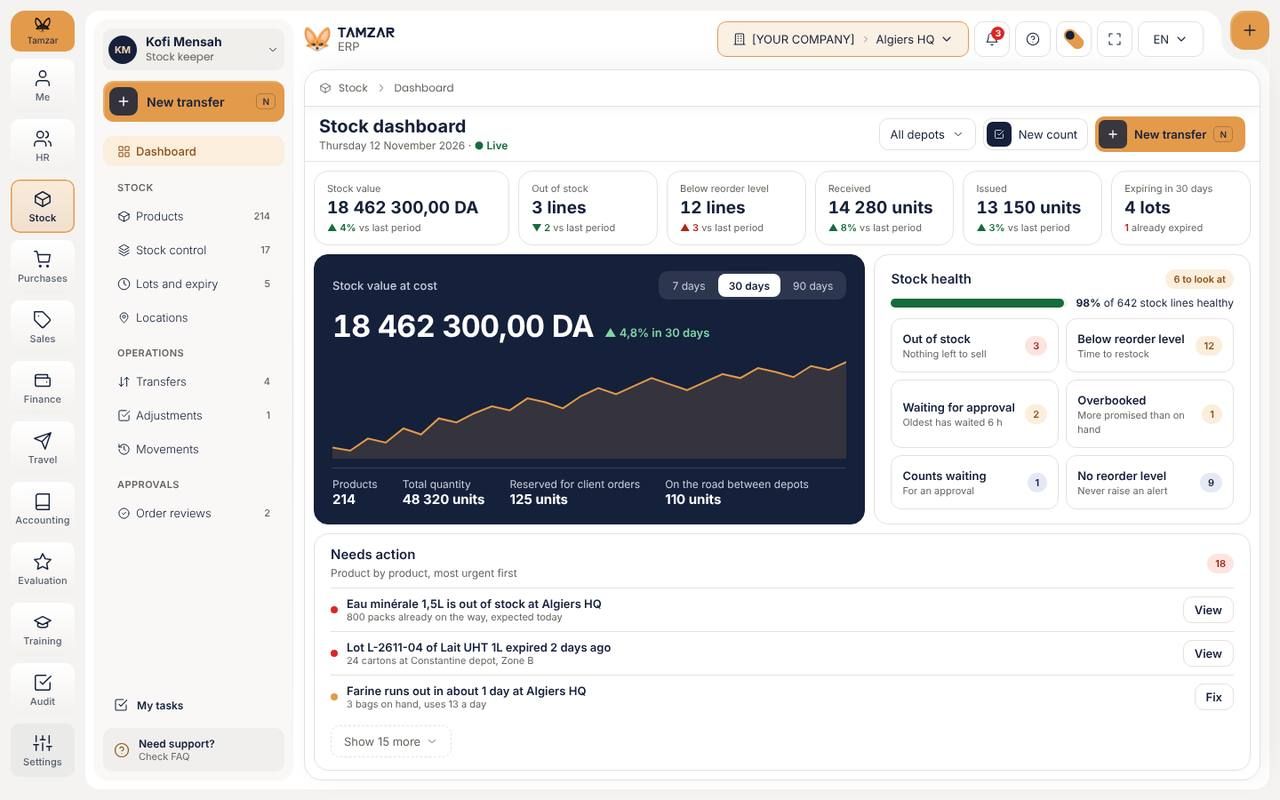
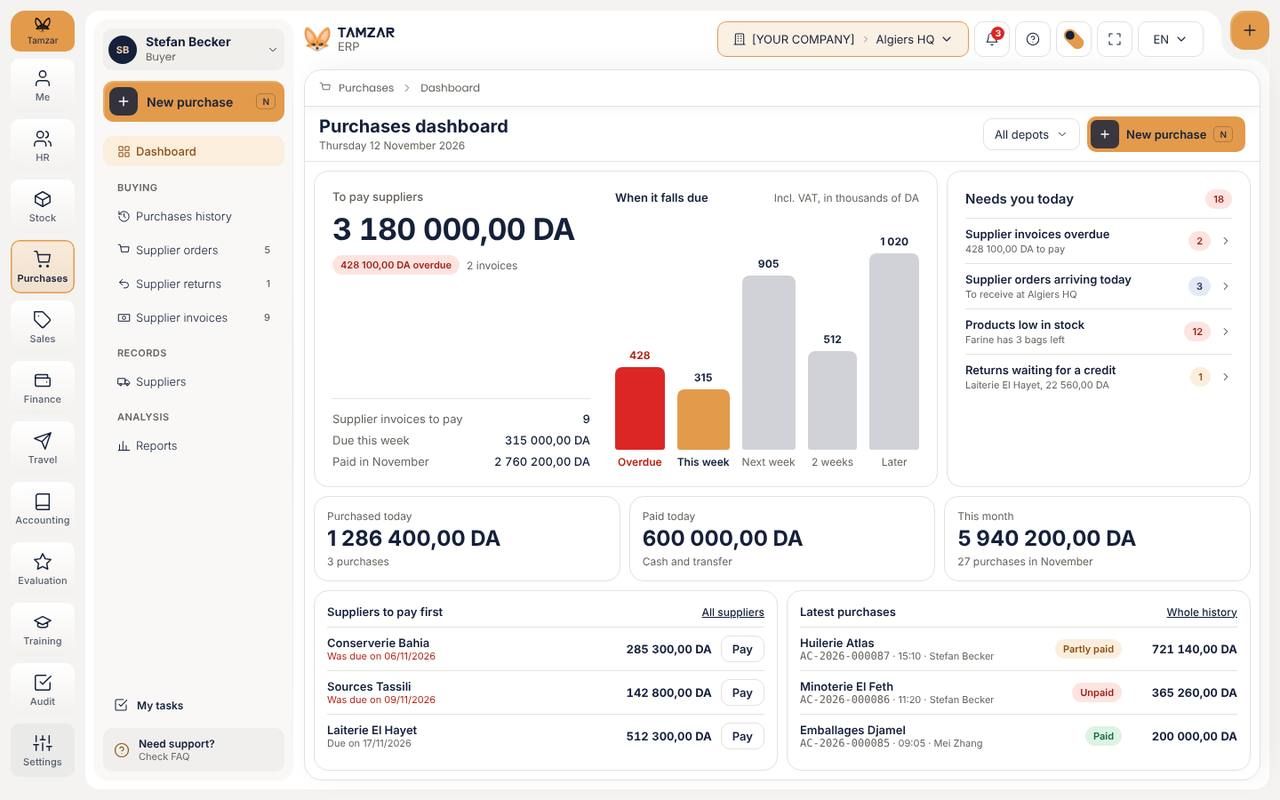
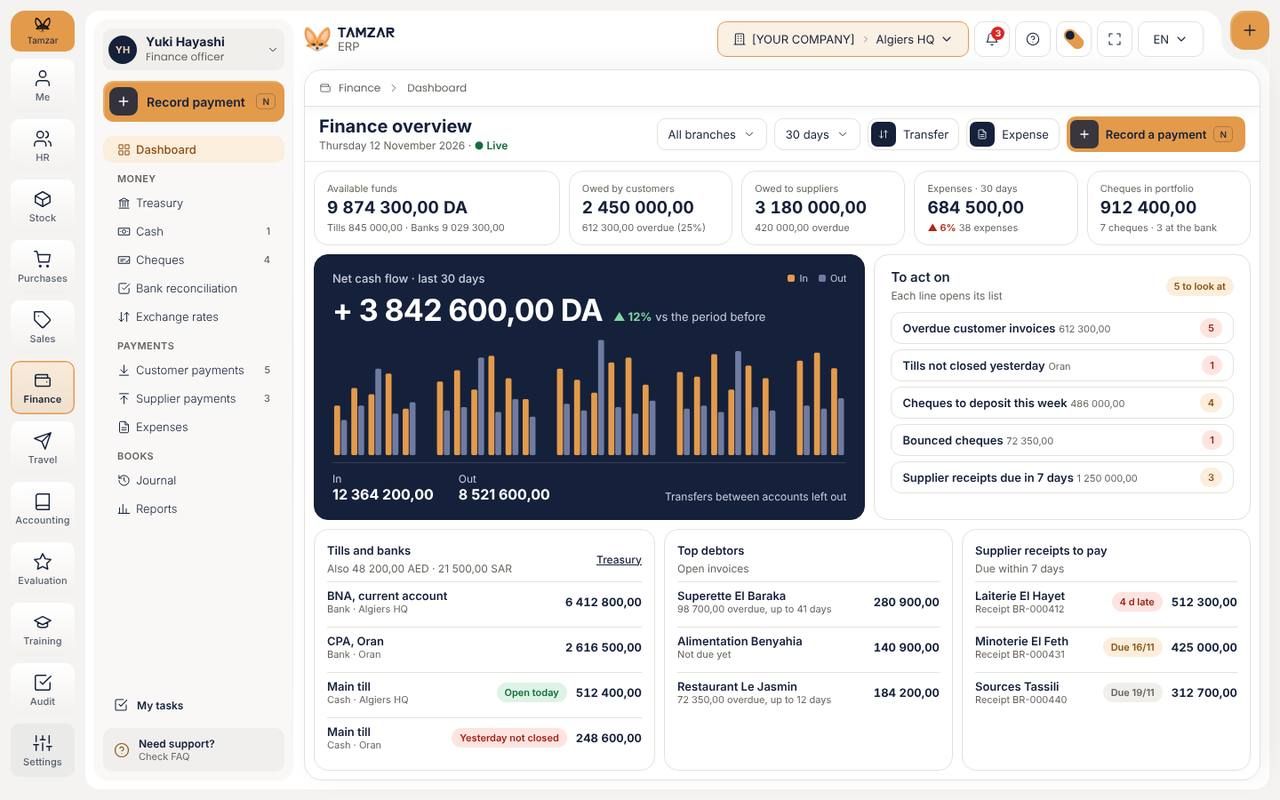
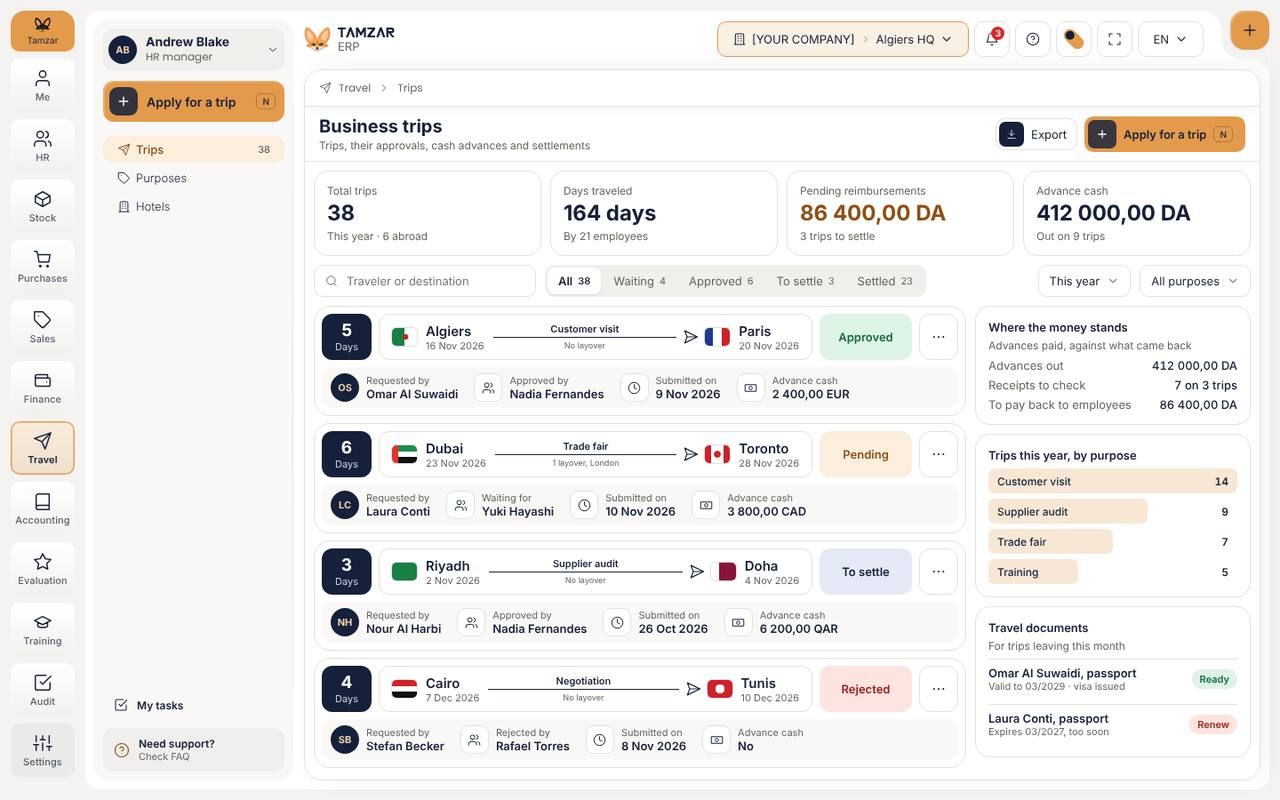
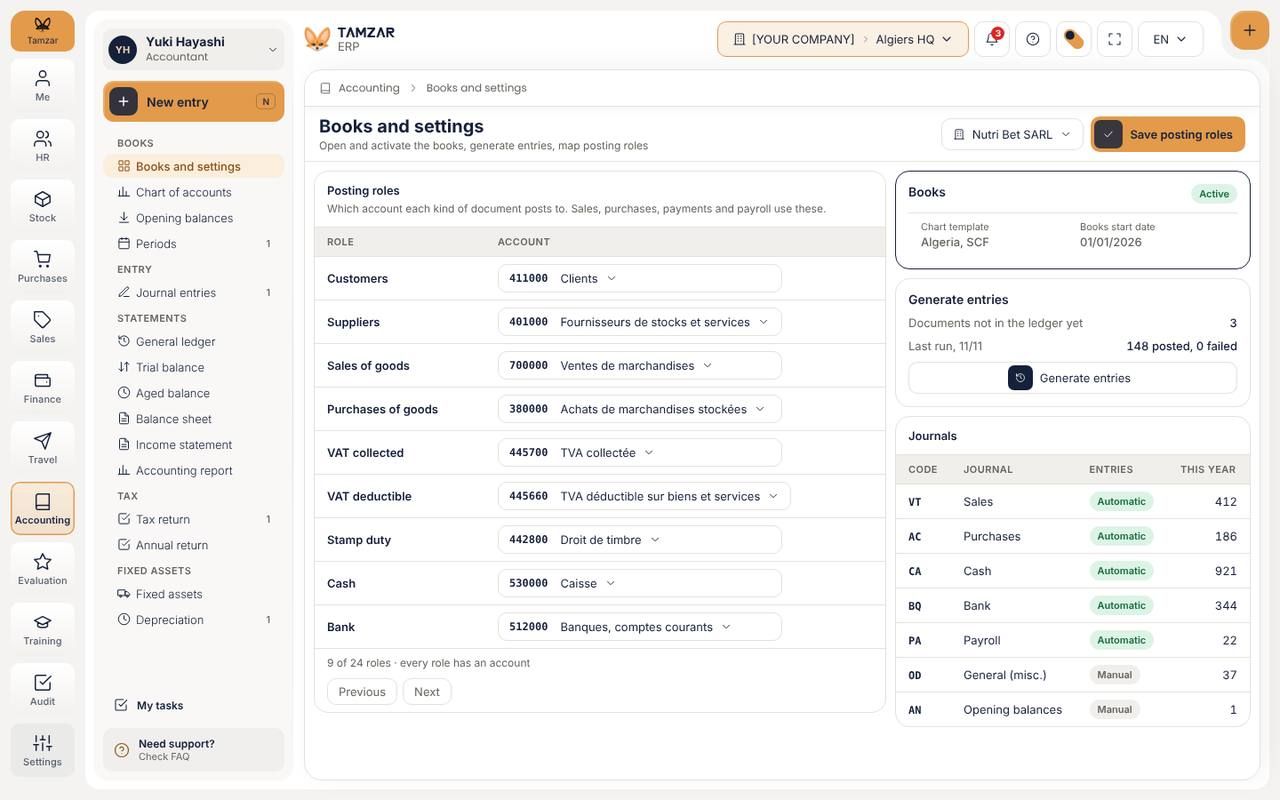
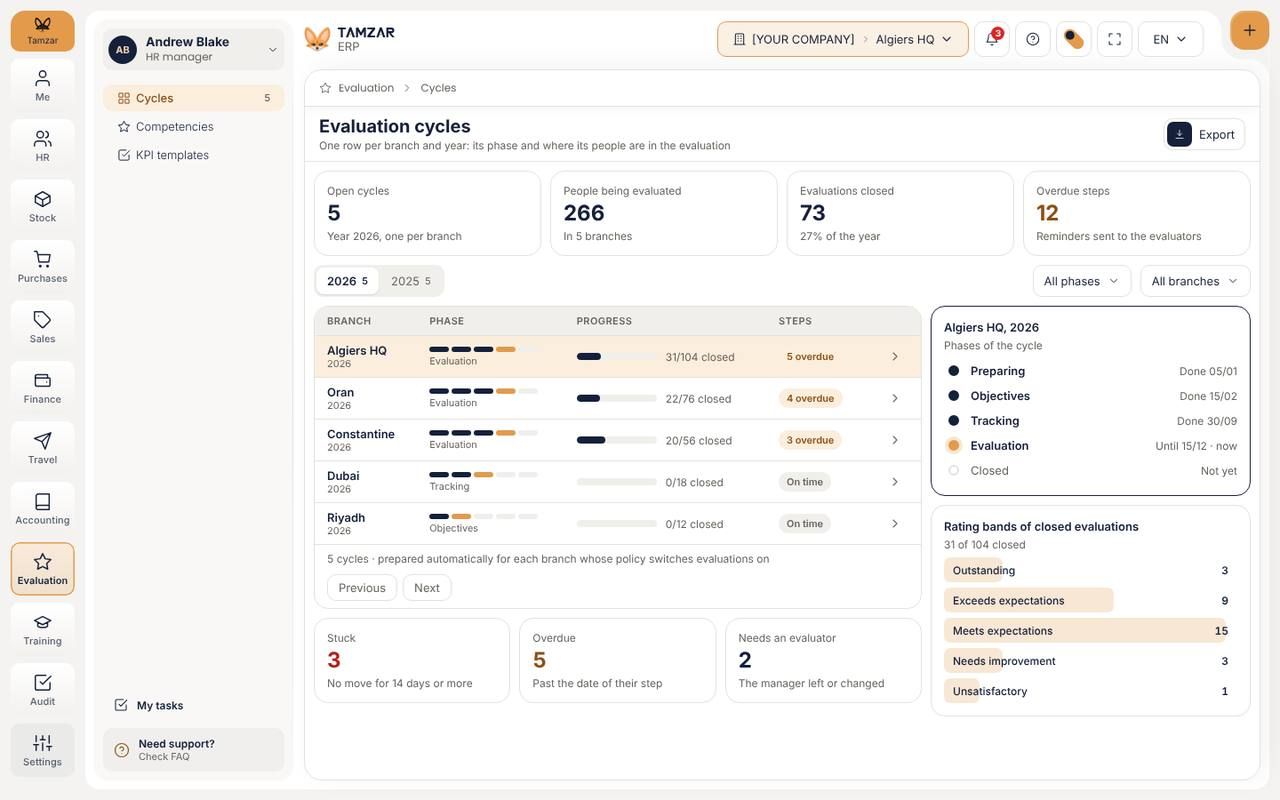
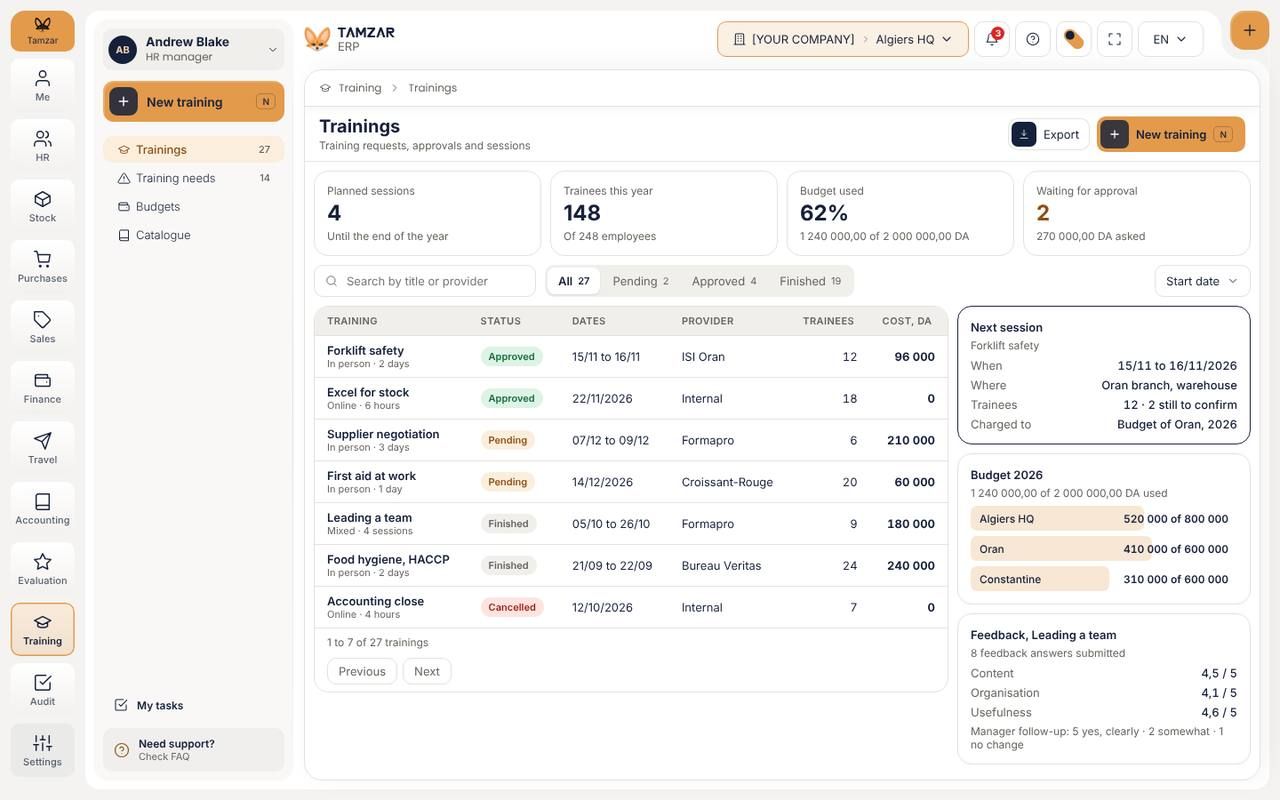
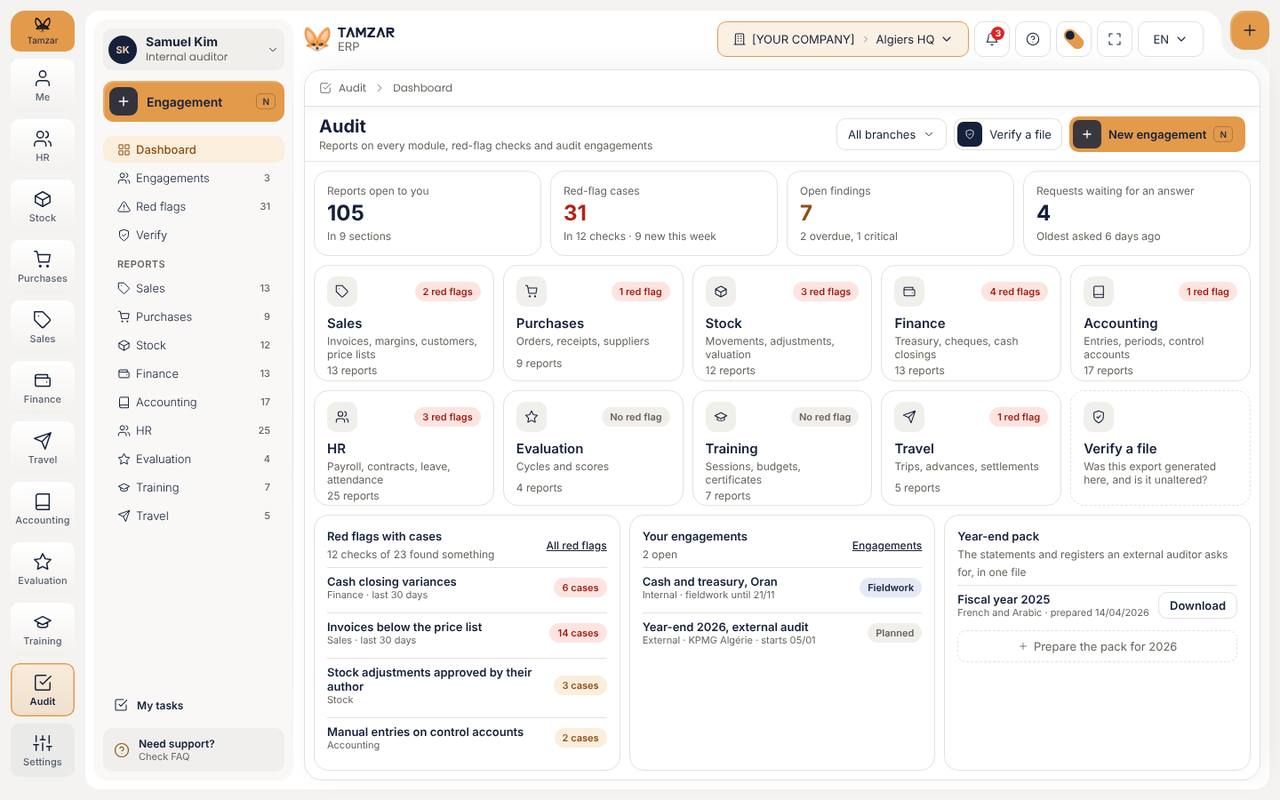
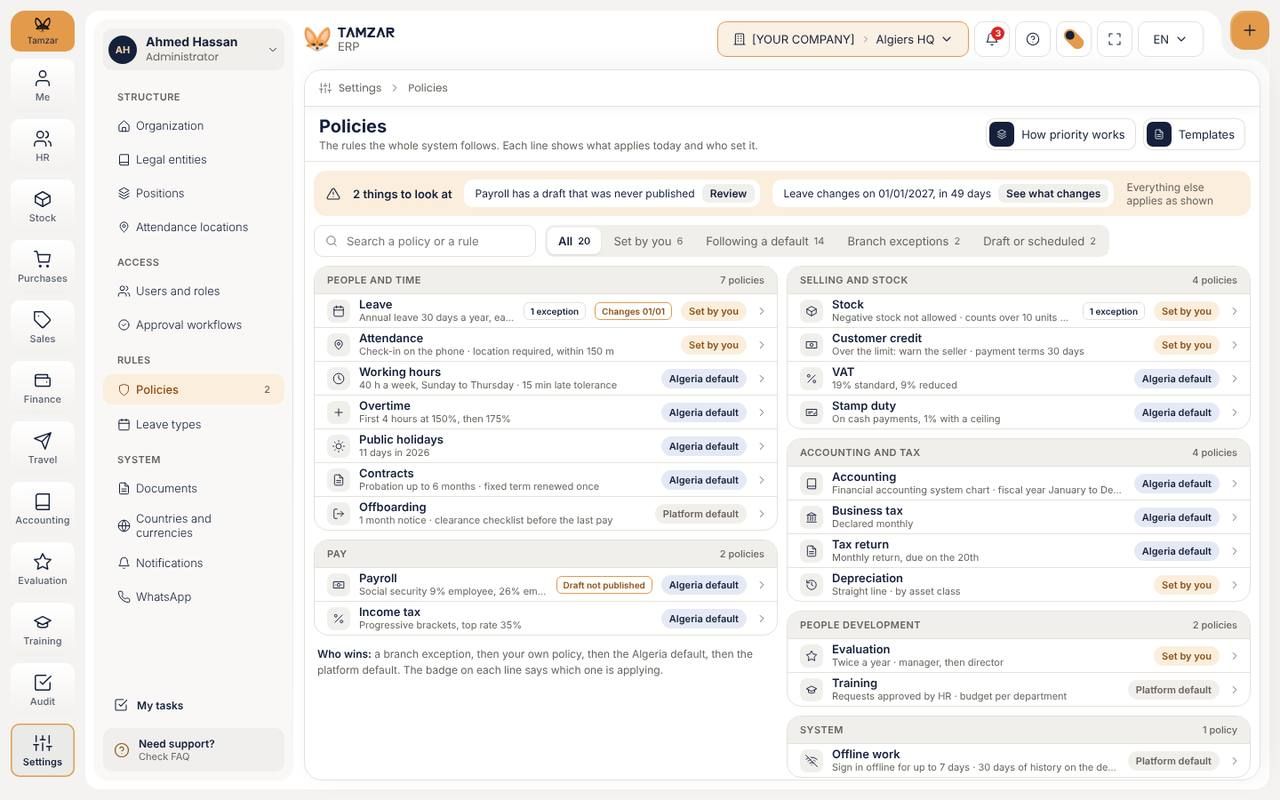
Touring the modules. Click one in the side menu to take over. Touring the modules. Tap one to take over. You have the baton.
Built for companies with branches, stock and a counter
Eleven modules share the same people, products and money, so a number entered once is right everywhere.
Lock the month and Tamzar carries it through: attendance, leave, advances and each country's rules are already in the run.
Depots, transfers, lots and expiry dates live in one place. The counter keeps selling without a connection and syncs when it returns.
A sale becomes an invoice, a payment and a journal entry without anyone typing it twice. Finance sees cash, cheques and what is owed today.
Every module opens on its own dashboard. Me, Evaluation, Audit and Settings complete the eleven.
Who is in, who is late, and the requests waiting for an answer.
Quotes, orders, counter sales and invoices to collect.
Supplier orders, receipts and what falls due this week.
Cash, cheques, treasury and what is owed in both directions.
Trips, advances in the destination currency, and receipts.
Needs, sessions, attendance and follow-up.
Employees, products, customers, suppliers and opening balances are imported from your files during setup.
You keep your historyChoose the country, the working week, leave and taxes, then draw who approves what. No code and no consultant.
Changed from the dashboard, any timeEach branch signs in and every person lands on their own home: owner, HR, seller, stock keeper or employee.
Desktop for the counter, mobile for everyoneThe same Tamzar on the phone, for everyone from the owner to the newest hire. Each person sees their own part.
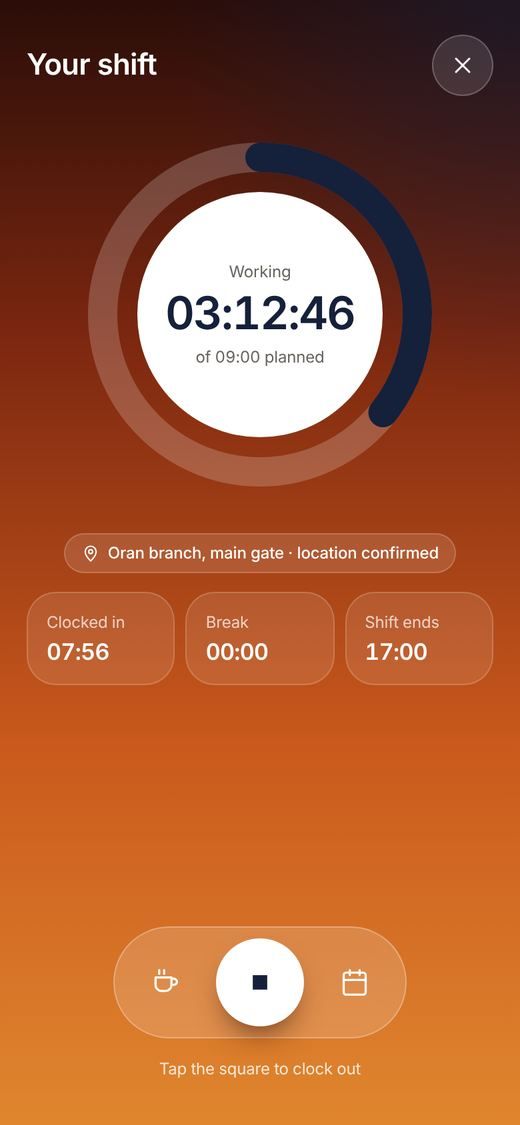
Attendance is taken at the branch door, with the shift and the hours in view.
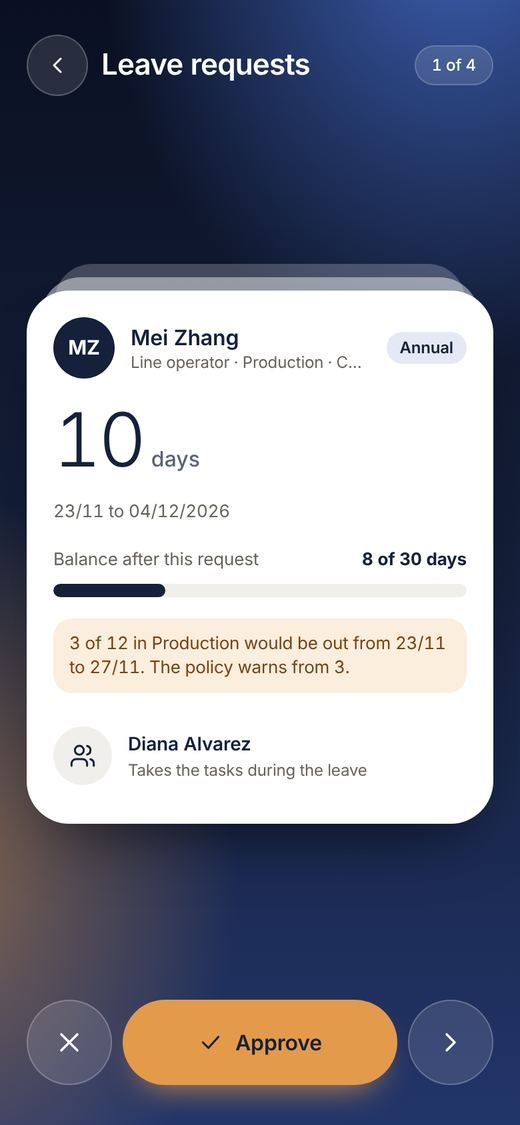
Leave, orders and payments come to you one at a time. One tap answers each.
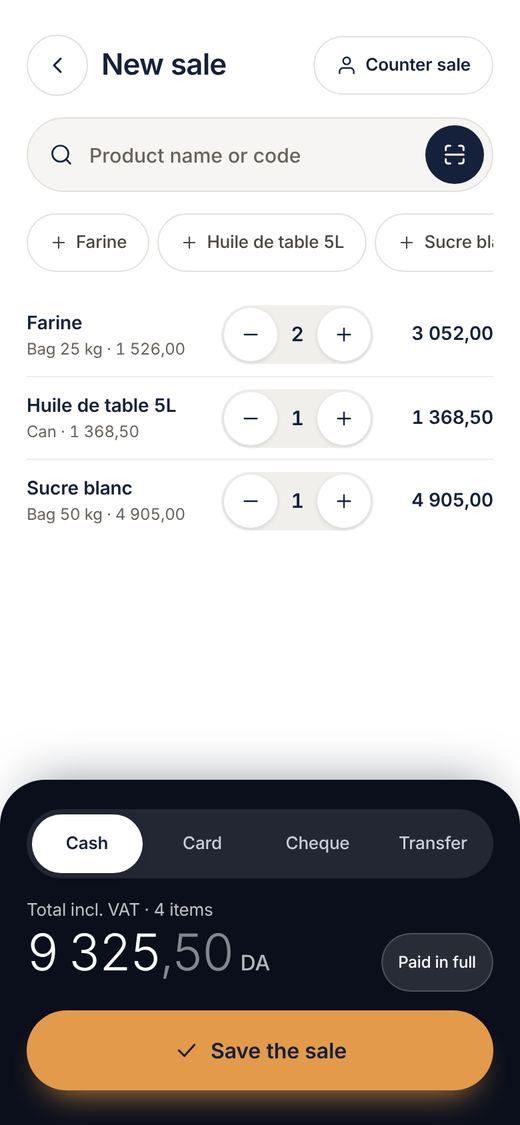
A new sale in a few taps, already in stock and in the books.
Not answered here? Thirty minutes on your own case usually covers it.
Talk to usNo. Start with the ones you need; each person only sees what they have access to.
Yes. Employees, products, customers, suppliers and opening balances are imported during setup.
The desktop app keeps the counter, cash, receipts and stock working offline and syncs later.
Its rules are set in the dashboard: working week, leave, taxes, currency. No development.
English, French and Arabic. Each person chooses their own, and Arabic runs right to left across every screen.
Each role has its own home and its own permissions, and approvals follow the chains you draw.